Add or import clients
Add a client to the shared BeforeMay directory, or import a client list after checking the column mapping and preview.
Source reviewed Product documentation
The first job is getting one dependable list. On Clients, choose Add client for a single record or Import for an existing list.
Add one client
Enter the name and any email you have, then choose Add client. The form shows possible matches while you type. Check them before choosing Add as a new client: a second record for the same person makes the later email and file history harder to read.
Open the client from the list to complete the record. The Overview tab holds its profile and activity; the other tabs hold relationships, email, files and carry-forward reports.
Import a list
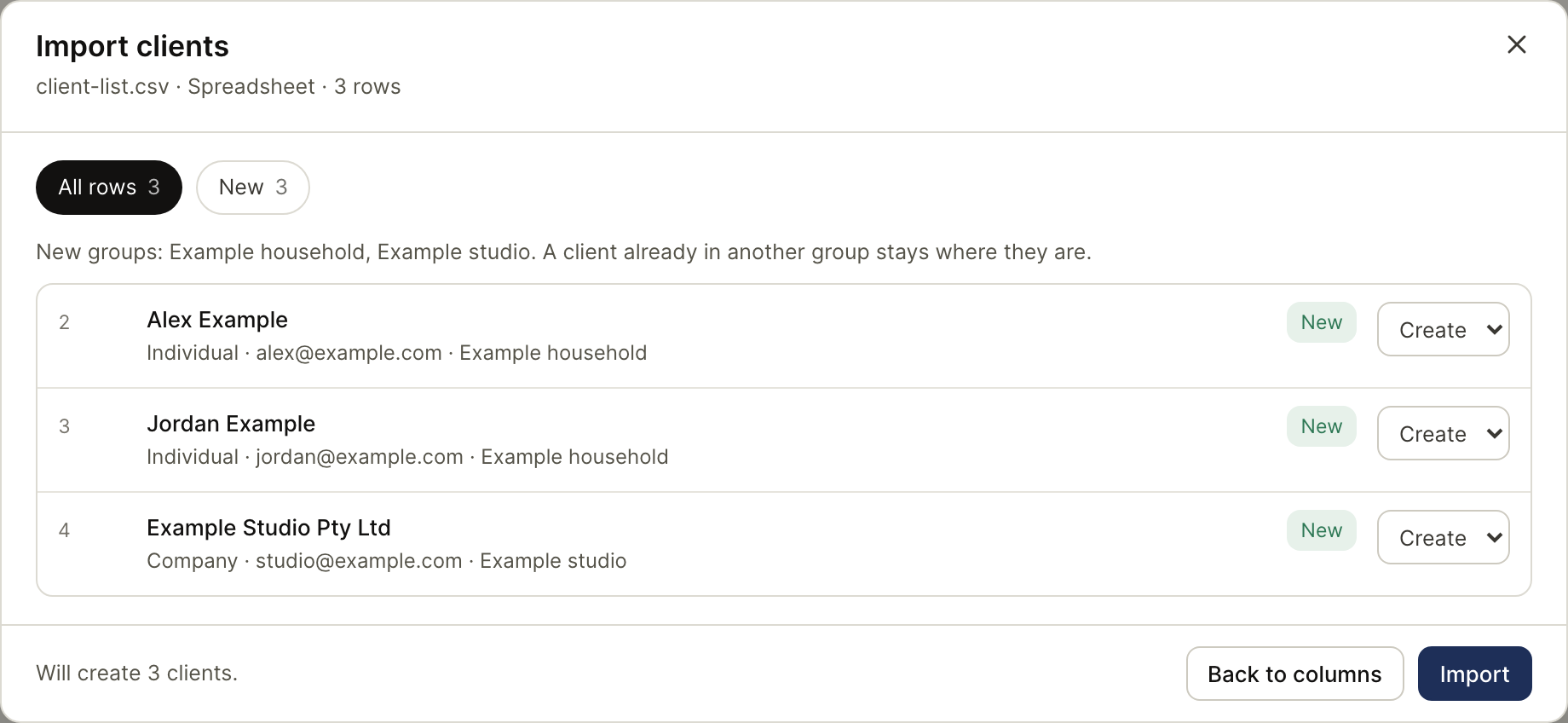
Choose Import. The import flow reads the spreadsheet, offers a column mapping, and shows a preview before Import writes anything. Check names, entity types, ABNs and the proposed action for rows that match a record already in the directory.
XPM, FYI and Xero exports have recognised mappings; a general spreadsheet can be mapped by hand. A TFN column is dropped from the import rather than mapped to a client field. Download the result after the import to see which rows were created or updated.