Review points and findings
Read the question or issue, record a decision and inspect the changes that follow.
Source reviewed Product documentation
A review point is an item the accountant should consider. Read its reasoning, source evidence and affected schedule before deciding what to do. Review points, missing-evidence requests and automatic-check findings can coexist.
Open the working paper's Review Pts panel to inspect its points. The former case-menu AI findings action is no longer available; this guide covers the working paper's review points and preparation findings.
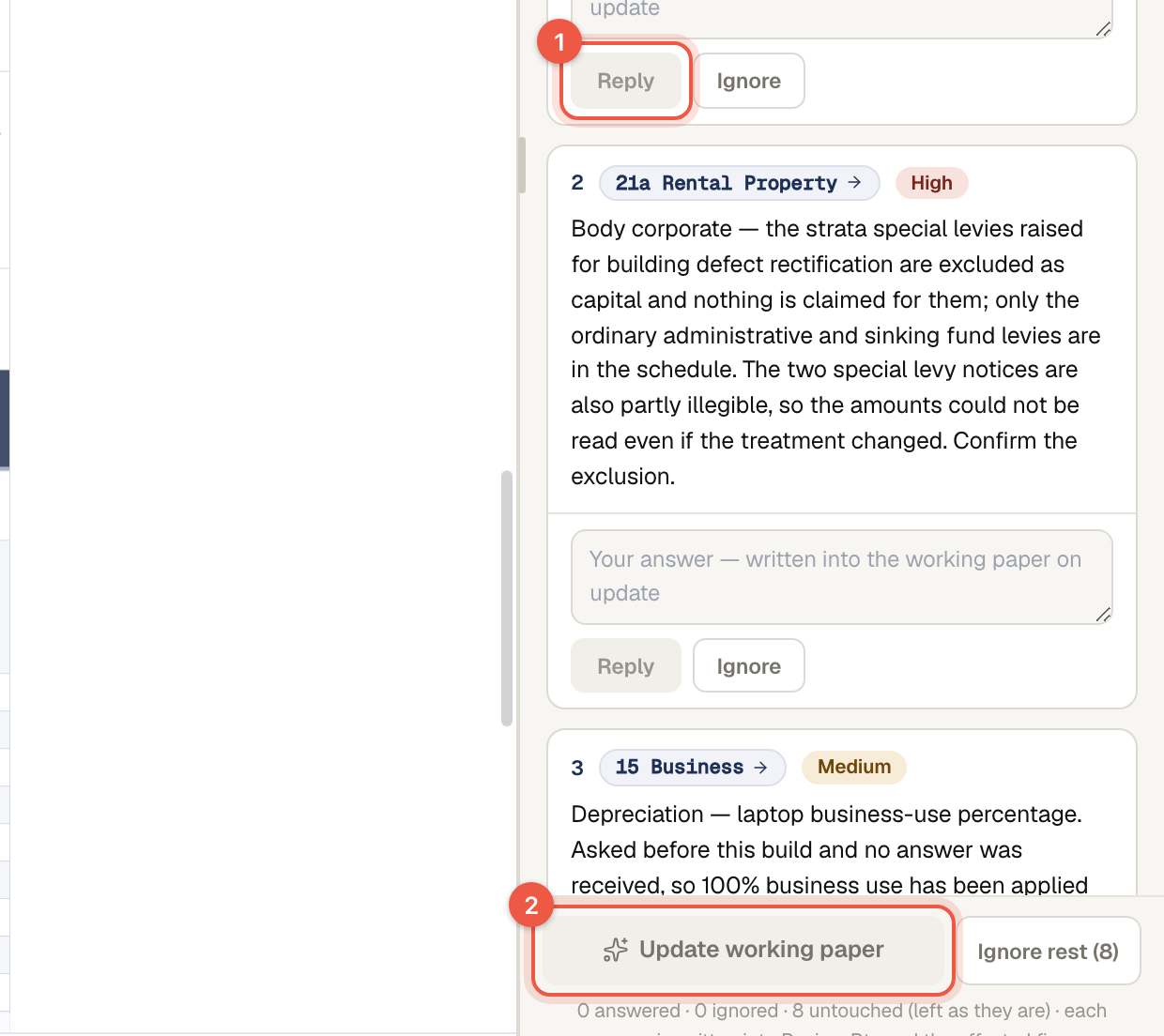
Respond
Use the panel's answer/reply controls to record the facts or correction. Use Ignore when the point is not relevant to the case. Untouched points are not a positive agreement with the AI's treatment. Clearing a list does not prove the underlying evidence is complete.
The current answer handoff sends responses to the workpaper assistant. It does not itself guarantee that a new full build has started. Read any proposed cell change or structural update, then inspect the affected figures and totals after it is applied. Controls can be unavailable while another run is active or when you are viewing an older paper.
Reconcile disagreements
Compare the ATO prefill, source documents, client/year and timing. Explain a material disagreement rather than assuming whichever number appears first is complete. A large year-on-year variance is context, not by itself proof of error.
Review options matter
Independent review can be turned off for a preparation run where the product offers that choice. AI auto-answer can also change whether a judgement call waits for you; inspect the recorded answers afterwards. Read questions and AI processing for those boundaries.
Next: check a figure. Mark the case complete only when your own review is finished.