A one-page AI policy for a small tax practice
An AI policy a small practice will actually follow fits on one page. Which tools, which client data, what review looks like on file, and a skeleton to copy.

The PI insurer's renewal form has a new question this year. Somewhere between the claims history and the fee income, it asks whether the practice has a written policy on the use of artificial intelligence. Yes or no, and attach a copy if yes.
The partner looks at it for a while. Everyone in the office uses something. One of the seniors drafts client emails with a chatbot, the bookkeeper has a tool that reads receipts, and the graduate who started in July almost certainly does things nobody has asked about. None of it is written down.
The temptation at this point is to buy a template. Forty pages, a glossary, a risk matrix, a section on governance committees for a firm that has six people and one meeting room. It gets saved to the shared drive, ticked on the form, and never opened again.
A small practice needs a policy that someone will read on their first day and remember on a Tuesday night in May. That fits on one page. Below is what goes on it and why, and a skeleton at the end you can copy.
Why one page beats a binder
The long templates are mostly written for organisations with a compliance function, an IT department and a procurement process. A two-to-twenty person practice has none of those. It has a principal, a few preparers, maybe a contractor in another state, and a season that eats every spare hour from February onwards.
What the practice actually needs to decide is short. Which tools may touch client work. What client information must never go into anything else. What a review has to leave behind. Who is responsible for the people using it. When the policy gets looked at again. Each of those can be answered in a line, and the answer is what staff need to remember.
The binder has one real advantage: it looks thorough. That matters for about as long as it takes somebody to ask a staff member what it says.
Which tools, for which data
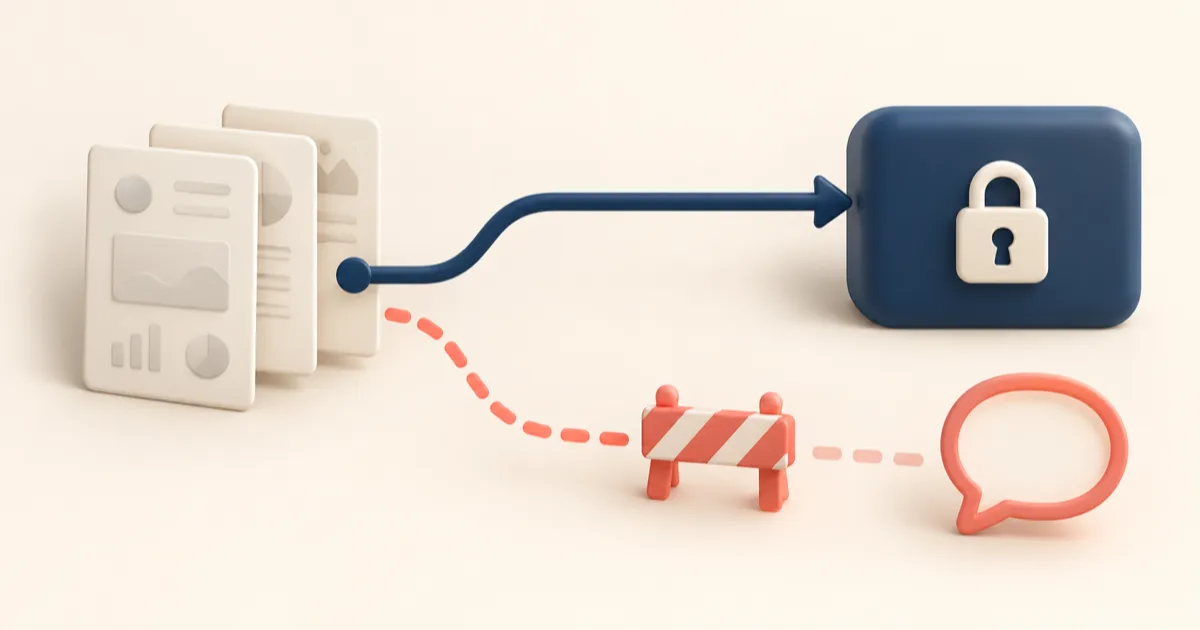
Keep the list honest by building it from what people already use. Ask the team, including the contractors, and write down every tool that has been near a client file. The answer is usually longer than the principal expects, and every item on it is a disclosure question: whose servers, in which country, under what terms.
For each approved tool, the page should say three things in a line: what it is used for, what client data it may receive, and who in the practice decided it was suitable. "Receipt capture, client receipts and invoices, approved by the principal after reading the vendor's data terms" is enough. If you cannot get a straight answer from a vendor about which providers process your clients' documents and where, that is a reason to leave the tool off the list.
Then the other half of the section, which is the line staff will actually remember. Some client information never goes into a general-purpose chatbot, whatever the account type or settings:
- tax file numbers, and any document that prints one;
- identity documents, bank account details and login credentials;
- a client's name attached to their financial details;
- anything a client has asked you to keep particularly close.
General tools are still useful for plenty of practice work with no client in the prompt: rewording a reminder email, drafting a checklist for a new starter, thinking through how to split the season's jobs. The page can say so. A policy that only says no gets worked around. We went through where the line sits in more detail in using a general chatbot on client tax work.
The permission question belongs here too. The TPB's guidance treats putting client information into an AI tool as a possible disclosure to a third party, depending on how the tool is configured and used, and you need the client's permission for that. For many firms a general authority in the engagement letter may cover a tool chosen deliberately. Write down which letter wording you are relying on, and for which tools on the list.
What "I checked it" looks like on file

This is the part the TPB's guidance is most specific about, and the part most practices have skipped. It expects AI-generated content to be checked throughout the work and each step documented, as part of your record-keeping and quality management. We covered that in what the TPB's AI guidance asks of a practice.
In practice, the line on the page can be as plain as this. Every figure from an AI tool has to trace to a source document or be marked as an estimate. Anything the tool decided (a classification, an apportionment, a missing document it assumed away) is either confirmed by a person or raised as a query. The reviewer's name and the date go on the file. A chat transcript does not count as the record, because it shows the question and the answer and nothing about the checking.
It is worth saying out loud on the page that the registered agent who signs is responsible for the work, whoever or whatever drafted it. Everyone already knows that. Writing it down closes off "the software did it" as a position for anyone in the office who might be tempted.
Supervising staff and contractors
The obligations are the practice's, whoever opened the tool. A graduate using a personal account on a client file at nine at night has made the firm's disclosure decision for it. So the supervision line covers three things: new staff read the page in their first week, the approved list is the only place a tool gets added, and anyone unsure asks before they paste rather than after.
Contractors and outsourced preparers need the same page before they start on a client file. If a contractor brings their own tools, those tools go through the same approval as anything else, or they are not used on your clients' files. Put that in the engagement with the contractor as well as on the page.
The page also needs to say what happens when it goes wrong. Someone pasted a client statement into the wrong tool. The policy should say who they tell and how quickly, so the answer is "I told the principal that afternoon" rather than "I didn't think it mattered".
Reviewing the policy each year

Pick a fixed point outside the busy months and put it in the calendar. On that day, walk the approved list: is each tool still used, have its terms or data locations changed, has anyone started using something that is not on the list. Re-read the engagement letter wording you rely on. Check whether the TPB, your professional body or your insurer has said anything new. Then date the page and keep the old version, so you can show what the policy said at any point in the past.
An unscheduled review is also worth triggering whenever a tool changes how it handles data, a new kind of client work starts going through AI, or something goes wrong.
A skeleton you can copy
[Practice name]: use of AI tools on client work. Owner: [name]. Last reviewed: [date].
- Purpose. How this practice uses AI tools on client work, and the limits on that use.
- Approved tools. [Tool] for [task], may receive [type of client data], approved by [name] on [date]. Anything not listed is not used on client work.
- Never in a general chatbot. Tax file numbers, identity documents, bank details, credentials, and a client's name together with their financial details.
- Client permission. We rely on [engagement letter clause] for the tools listed above, and tell clients which providers handle their documents if they ask.
- Review evidence. Every AI-assisted figure traces to a source or is marked as an estimate; judgement calls are confirmed or queried; the reviewer's name and date go on the file.
- Responsibility. The registered agent who signs is responsible for the work, whoever drafted it.
- Staff and contractors. Everyone reads this page before working on client files; new tools go through [owner]; contractors follow the same list.
- When something goes wrong. Tell [owner] the same day; we record what happened and what we did.
- Annual review. Every [month], and whenever a listed tool changes how it handles data.
That is nine lines and a header. Most practices will want to add a line or two of their own, and should.