Sign
Sign
Prepare an engagement letter or upload a PDF, send a signing link and keep the signed document with the shared client record.
Source reviewed Product documentation
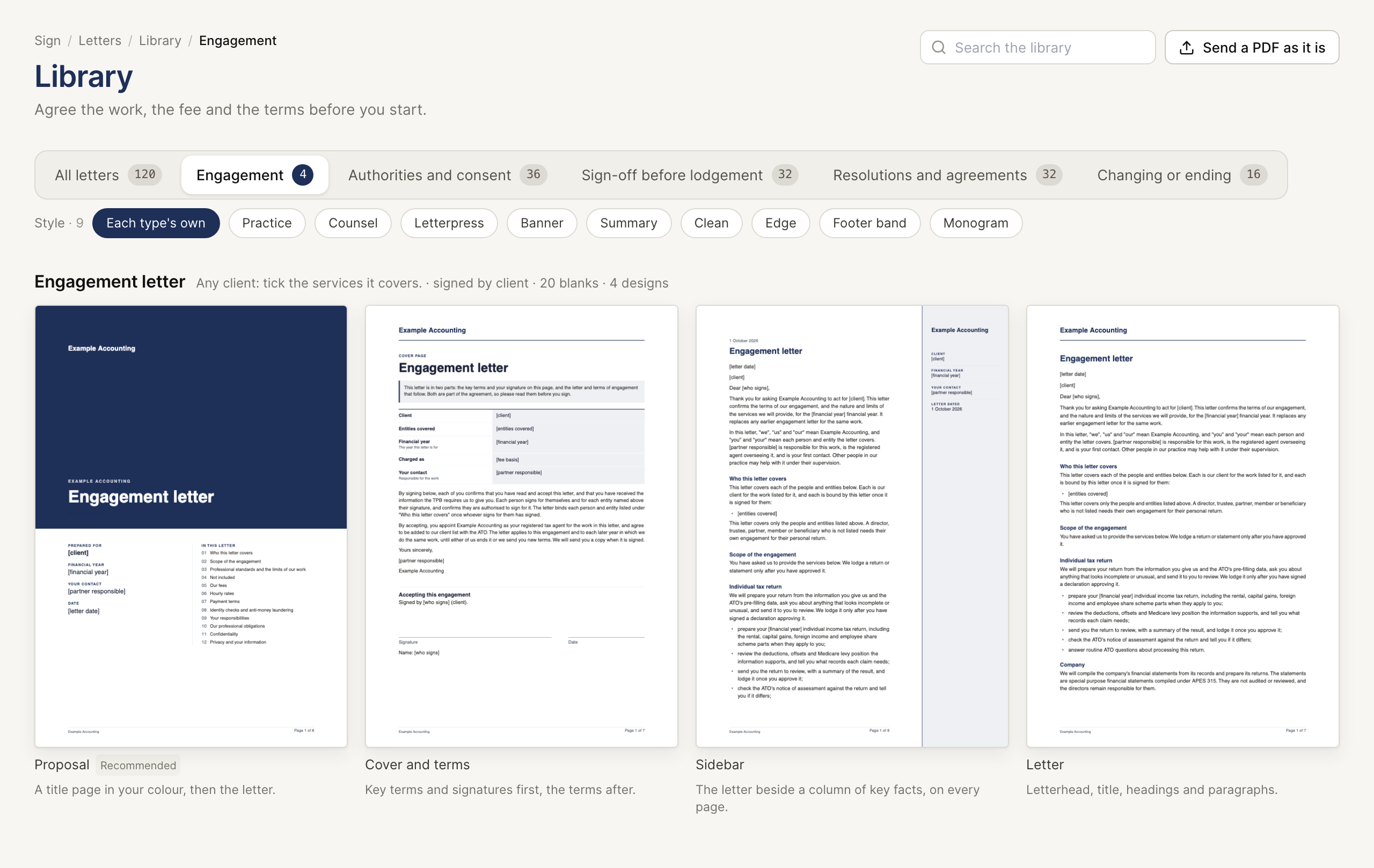
The client has agreed to proceed; the letter still needs the right names, terms and signatures. BeforeMay Sign starts from its Library or from your own PDF, sends the signing request and keeps the signed PDF and audit trail with the client.
The signer opens a /sign link without a BeforeMay account. Your practice signs in with the same account and client list used by Workpapers and Verify.
Prepare a letter
Fill a library letter, change its wording and set up the letterhead.
Send a document
Send the letter, send yourself a test or upload a PDF of your own.
Follow signatures
Read the sent list, replace a link or void a request.