BAS Review — early access
Review a coded quarter using a Xero GST Audit Report CSV.
Source reviewed Product documentation
Open BAS Review. The current flow reviews an already coded quarter from a Xero GST Audit Report CSV. It does not connect to Xero to fetch or change the ledger, and it does not lodge a BAS.
What you supply
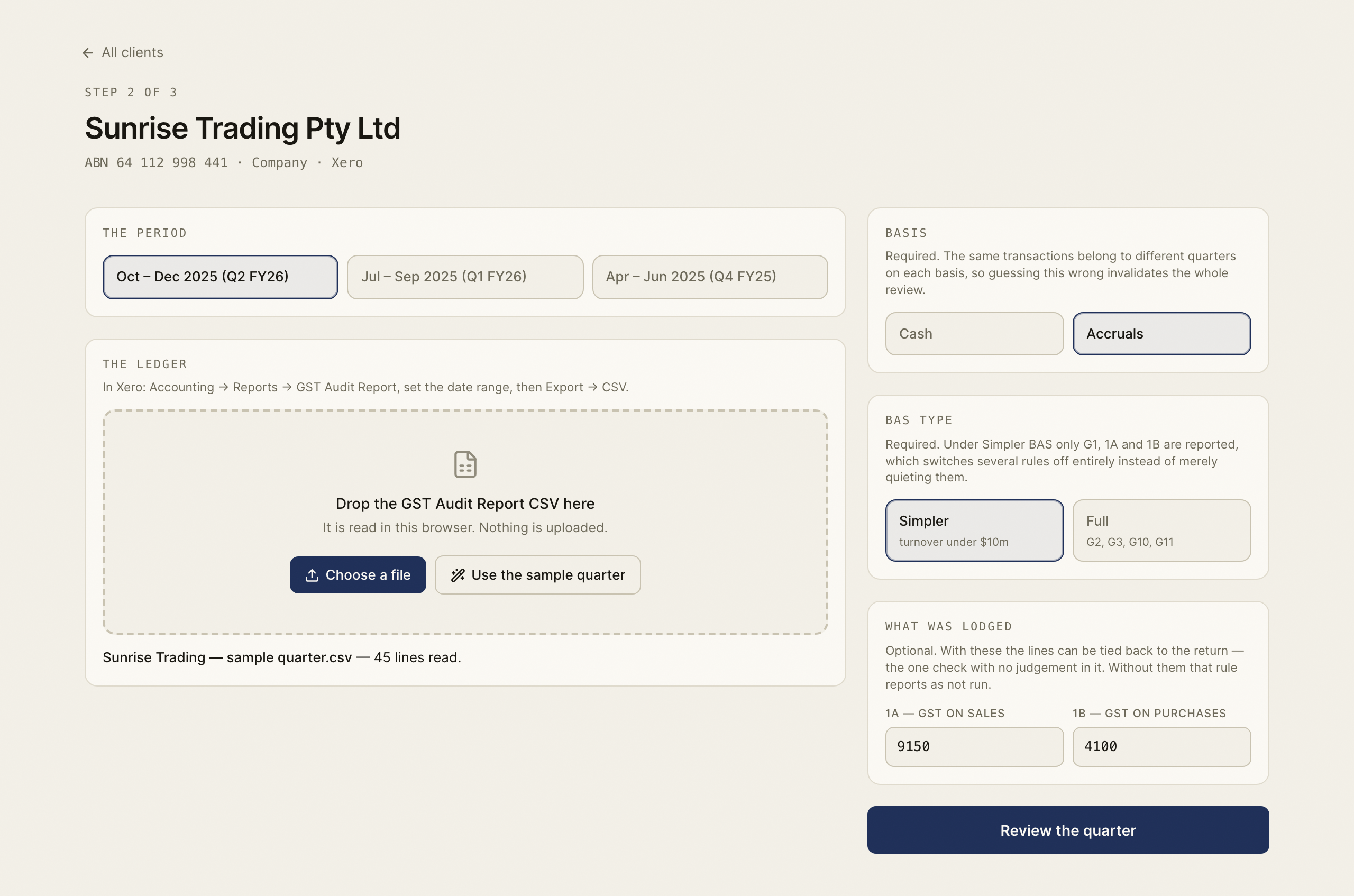
Choose the client and period, cash or accruals basis, and BAS type. Export the GST Audit Report on the matching basis and dates. The parser finds columns by their headings and reports an unrecognised tax-rate name rather than guessing its treatment.
The quarter tutorial explains the review steps.
What a finding means
A finding identifies a possible coding exception and shows its dollar effect on the supported BAS figures, including G1, 1A and 1B. Inspect the transaction and evidence before accepting or dismissing it. Accepting a finding records your decision in the review; make any agreed ledger correction in your bookkeeping system separately.
A rule that needs information not present in the export may be Not run. Missing attachment information does not mean that the transaction has no attachment. A clean finding list therefore does not certify that every possible GST issue was tested.
What is stored
The CSV is parsed in the browser and its transaction rows are not uploaded. For a signed-in practice, saved review state includes the client and period, source filename, aggregate figures and counts, agreed correction and hashed finding identifiers with your decisions. That is stored review metadata, even though the ledger lines remain in the browser. Keep the source export so you can reopen the period's evidence.
Use the sample at BAS Review demo to learn the workflow. Its sample practice is separate from your live client list.