Read an identity result
Read provider evidence and the audit trail, refresh an open check and handle a new ongoing-screening hit.
Source reviewed Product documentation
Open a row in Identity checks. The list distinguishes Waiting on the client, Provider approved and Need your attention. A provider-approved result still needs you to read the evidence and any unresolved screening hit before relying on it.
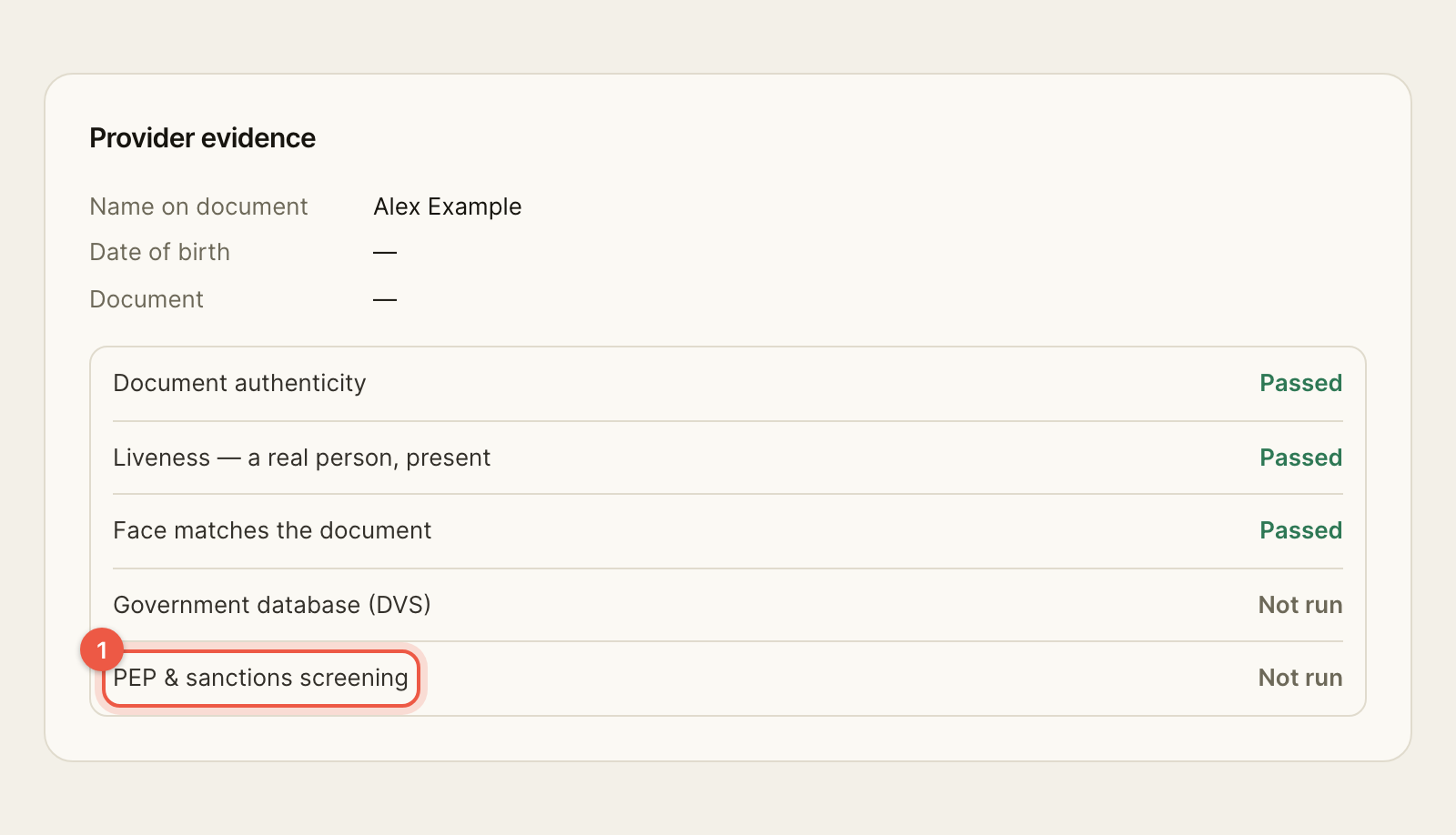
The check's Identity section shows the name and date of birth read from the document, masked document details, and separate outcomes for document authenticity, liveness, face match, government database matching and PEP and sanctions screening. Not run means that result was not supplied; it is not a pass. The Audit trail records events such as the client opening the link, consenting and the result arriving.
An open check updates when the provider returns a result. Refresh asks again; if that request fails, the page says that the displayed result is the last stored one. A new ongoing-screening hit appears under Needs review — new screening hits and on the check. Read it, record an acknowledgement with Acknowledge, and reassess customer risk if the information changes your view. The acknowledgement records who acted and when.