Send an identity check
Create a Verify check for a person in the shared client directory, then email or copy the time-limited link.
Source reviewed Product documentation
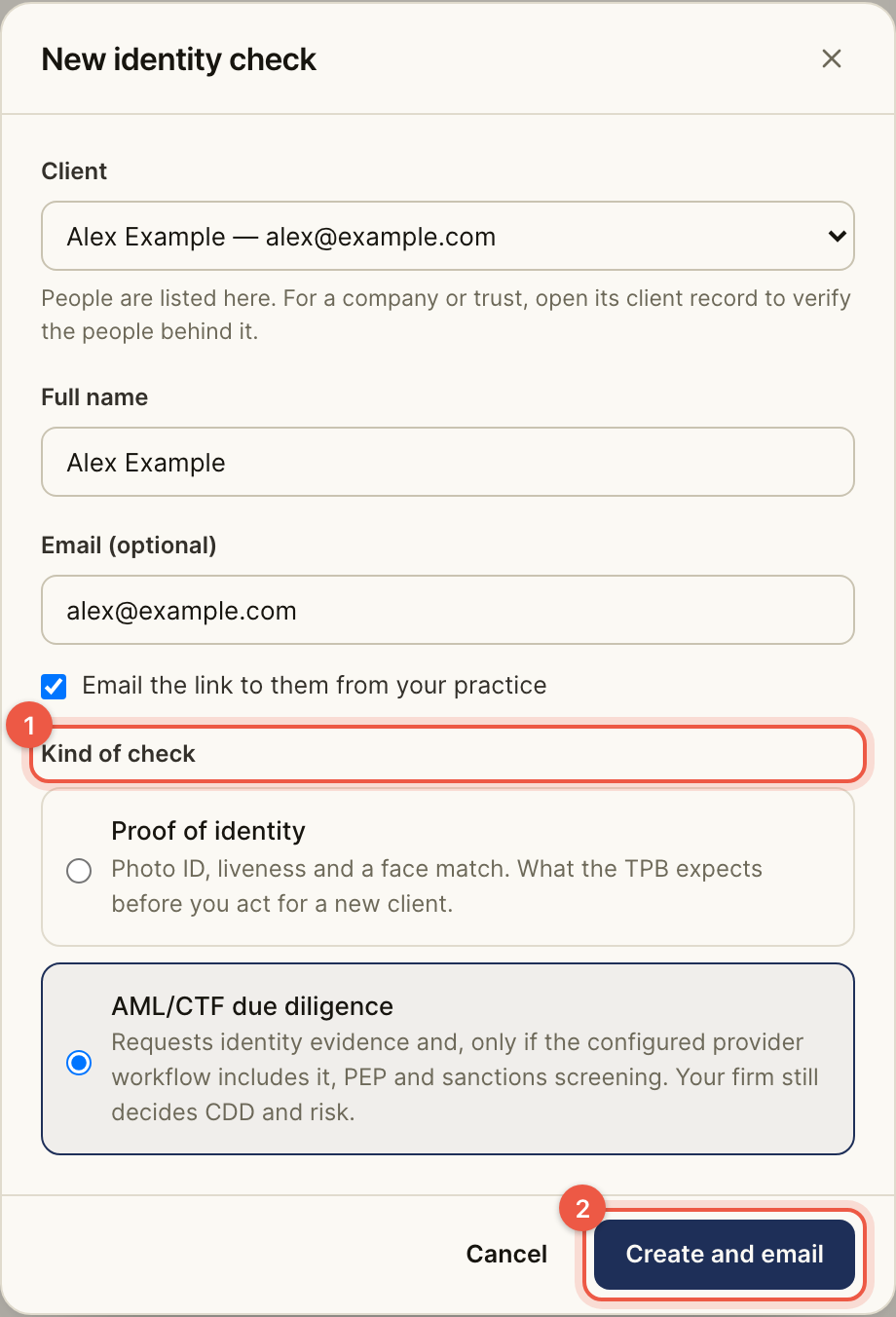
Open Identity checks and choose New check. Choose an existing person under Client, or + A new client. A new person is added to the shared BeforeMay client list when the check is created.
Enter Full name, an optional Email, and the Kind of check. If the email is valid, Email the link to them from your practice is available. Choose Create and email or Create link. The result says whether the email was sent; when it was not, copy the link and send it yourself.
Copy the link while the creation dialog is open. Its text cannot be shown again later. The client's link expires after 14 days. On an open check, Send a reminder or New link issues a replacement; the previous link stops working. Cancel check closes an open check.
For a company or trust, open its client record to identify the people behind it and send their individual checks there. The new-check selector lists people, not the entity itself.