What AI cannot do in a tax workpaper
It cannot see the document nobody sent, make the judgement call, or notice when a statement is wrong. An honest list for partners deciding where AI belongs.
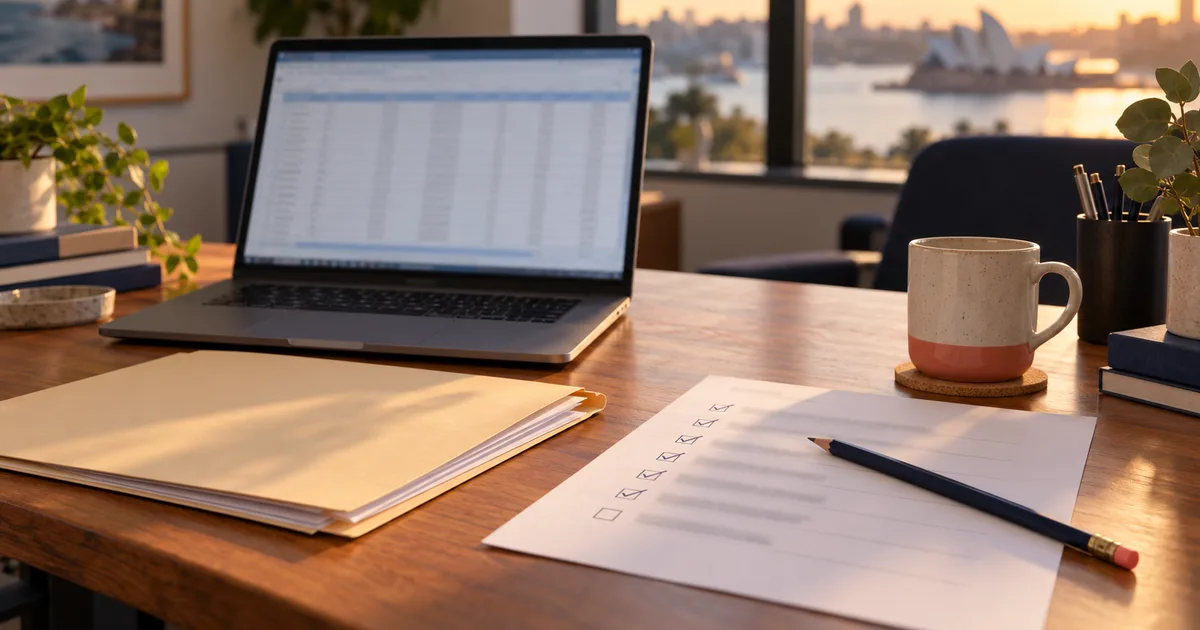
The draft workpaper comes back looking finished. Every income line has a figure, every figure has a reference, the deductions are sorted into the right buckets and the totals agree with each other. It took a fraction of the time it used to.
Then the partner asks where the second rental property went.
There isn't one in the file. The client mentioned it on the phone in March, said the agent would email the statement, and the agent never did. So the draft is complete in every respect except the one that matters, and nothing on the page says so.
That is a fair picture of where AI sits in a tax practice right now. It is quick and often accurate with the documents in front of it, and it has no way of knowing about anything else. Most of the arguments about whether it can "prepare a return" are really about that gap. If a sceptical partner asked us what falls into it, this is what we would say.
It cannot know what wasn't sent
This sounds obvious until you look at what a preparer actually does in the first ten minutes of a file. They compare this year's pile with last year's return. They notice that the share registry statement that came every year has stopped. They remember that the client's daughter moved out and wonder whether the second bedroom is still being rented. None of that is in the documents. It is in the preparer's head, last year's file, and a phone call.
A model can do some of it if you hand it last year's return, and it can flag a source that went quiet. It cannot know about the property nobody mentioned, because there is nothing to read.
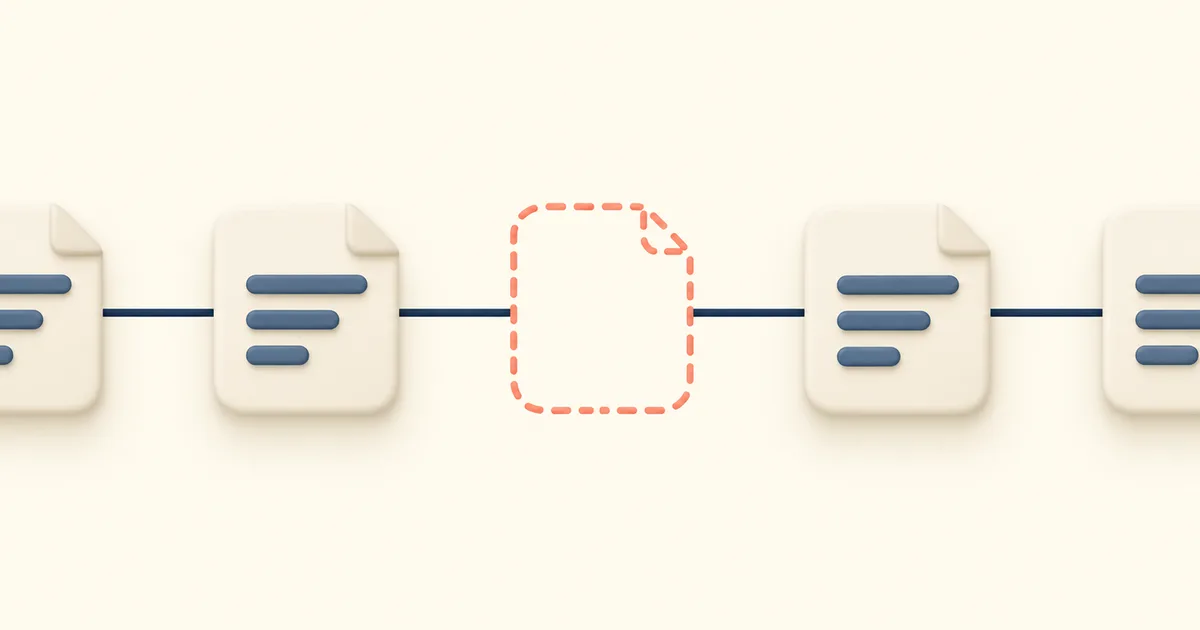
The practical answer is old-fashioned: a list of what you expected to receive, checked against what arrived, before anyone builds anything. Whoever does that check, it has to happen first.
It cannot make the judgement call for you
A model asked to classify a transaction will classify it, in the same even tone it uses for everything else. It does not hesitate on the hard ones the way a good junior does. So a judgement call can arrive in the file looking exactly like a fact, and the reviewer has no reason to stop on it.
What you want instead is for the hard ones to come back as questions. "This looks like it could be capital; the invoice describes a new roof, not a patch" is useful. A figure sitting in the repairs column with no comment is a decision someone made without telling you, and it doesn't matter much whether the someone was a person or a program.
It cannot tell when the document itself is wrong
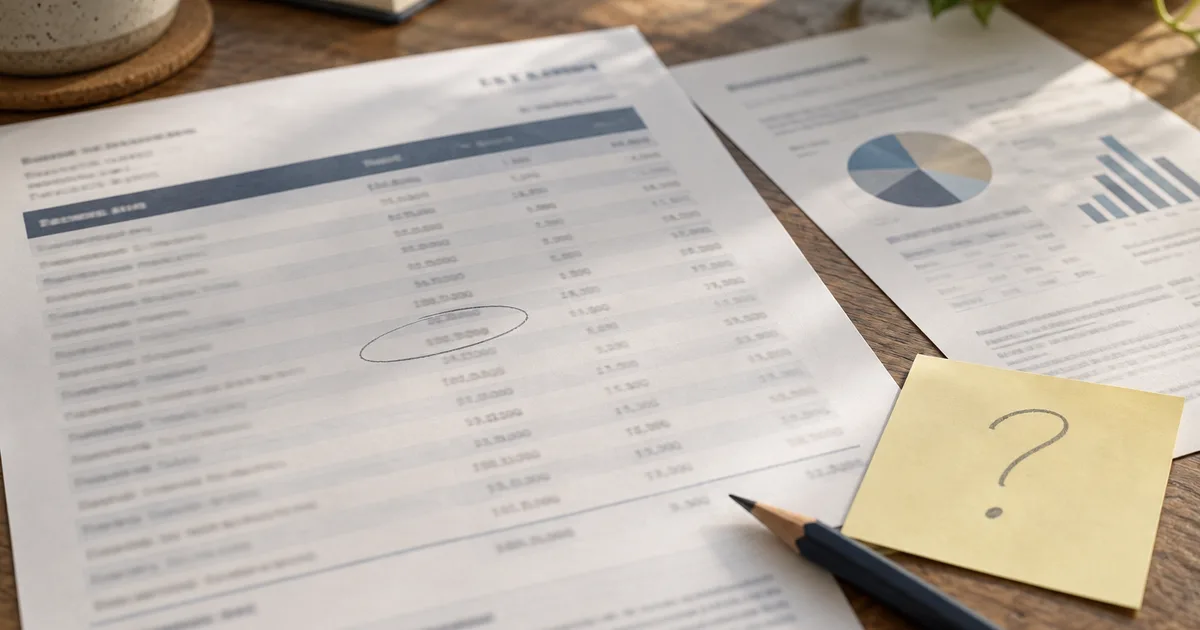
Experienced preparers catch these through a kind of background unease. The interest looks high for that balance. The rent is a month short. The agent's statement has a different property manager's name on it halfway through the year. Some of this can be turned into checks, and should be: totals that should tie to each other, months that should be twelve, a pre-fill figure that should match the client's own. We wrote about one of those in when the ATO pre-fill doesn't match the client.
But a check only finds the disagreements somebody thought to look for. When two sources disagree, deciding which one is wrong is still a person's job, and so is noticing the document that is wrong on its own with nothing to compare it against.
It does not carry the sign-off

Once you accept that, most of the rest follows. If the person signing is responsible, they need to be able to see what they are signing: where each figure came from, which decisions were made and by whom, and what is still open. A tool that produces a clean result with no trail asks the signer to trust it. A tool that shows its working asks them to check it, which is the job they had anyway.
It also means the review cannot shrink to a glance. A faster draft moves time from preparation to review, and the review still has to happen. A practice that takes the time saved and spends none of it on checking has made the file quicker and less safe at once.
What it is good for, once you accept all that
The half it does well is the long, careful, tiring part: reading every page of a forty-page statement, pulling every transaction into a schedule, matching receipts to lines, putting a page reference on every figure, and doing all of it at the same standard at four in the afternoon as at nine in the morning. That is work a person does slowly and, late in the season, not always well.
Handed that half, a preparer starts the file with a draft that already says where everything came from, and spends their time on the parts this post has been about: what is missing, what needs deciding, and what doesn't look right. That is a better use of a senior's afternoon than typing figures off a statement. We have set out how to tell the tools apart on AI tax software in Australia, including the questions worth asking any vendor before you put a client's file through it.