Send an engagement letter
Prepare a letter, test the recipient experience and follow the signing result.
Source reviewed Product documentation
Before you begin
Open Sign in the correct practice. Have the client details, engagement terms, fees and the person authorised to sign. The practice must review the letter's wording before sending it.
1. Prepare the letter
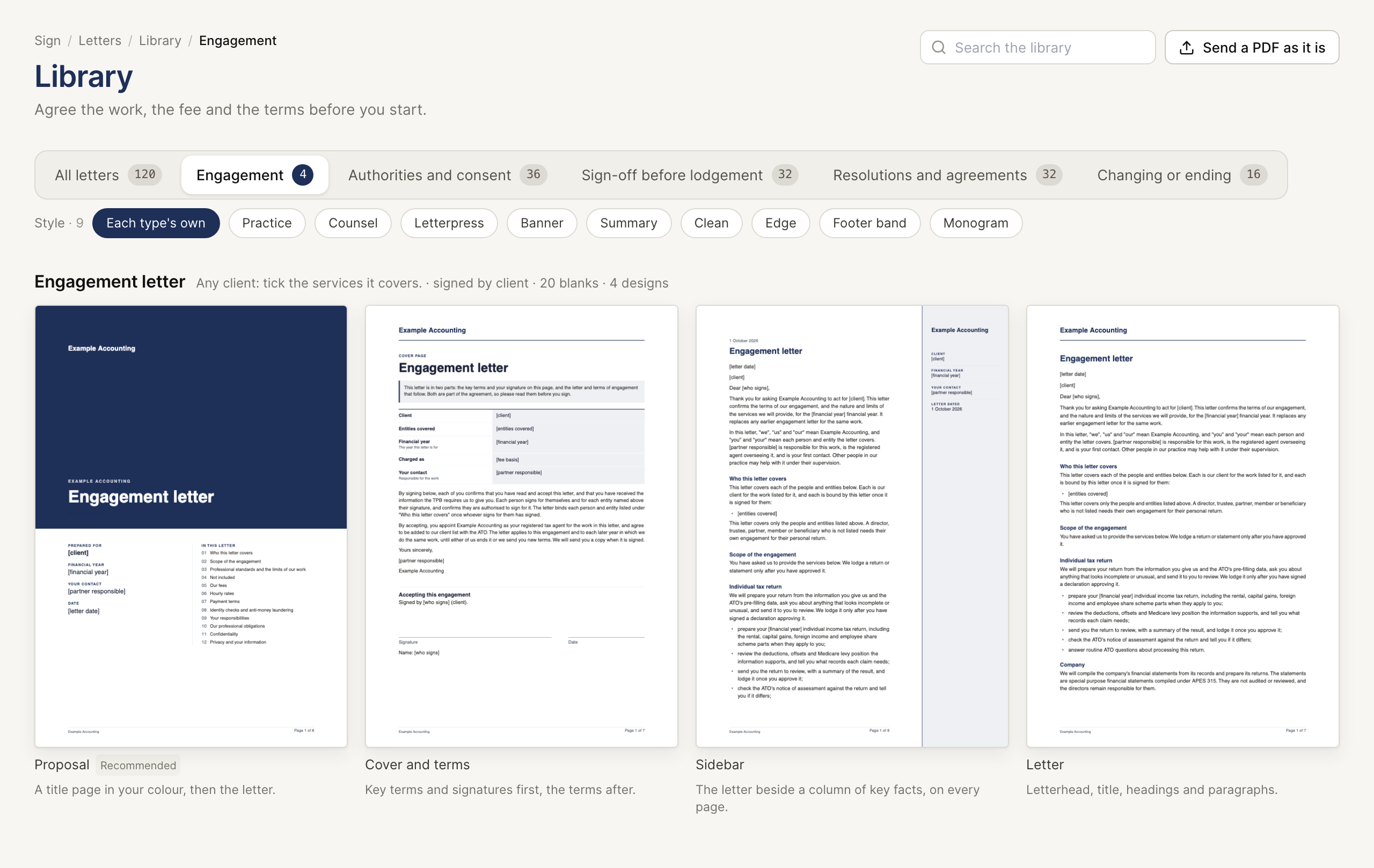
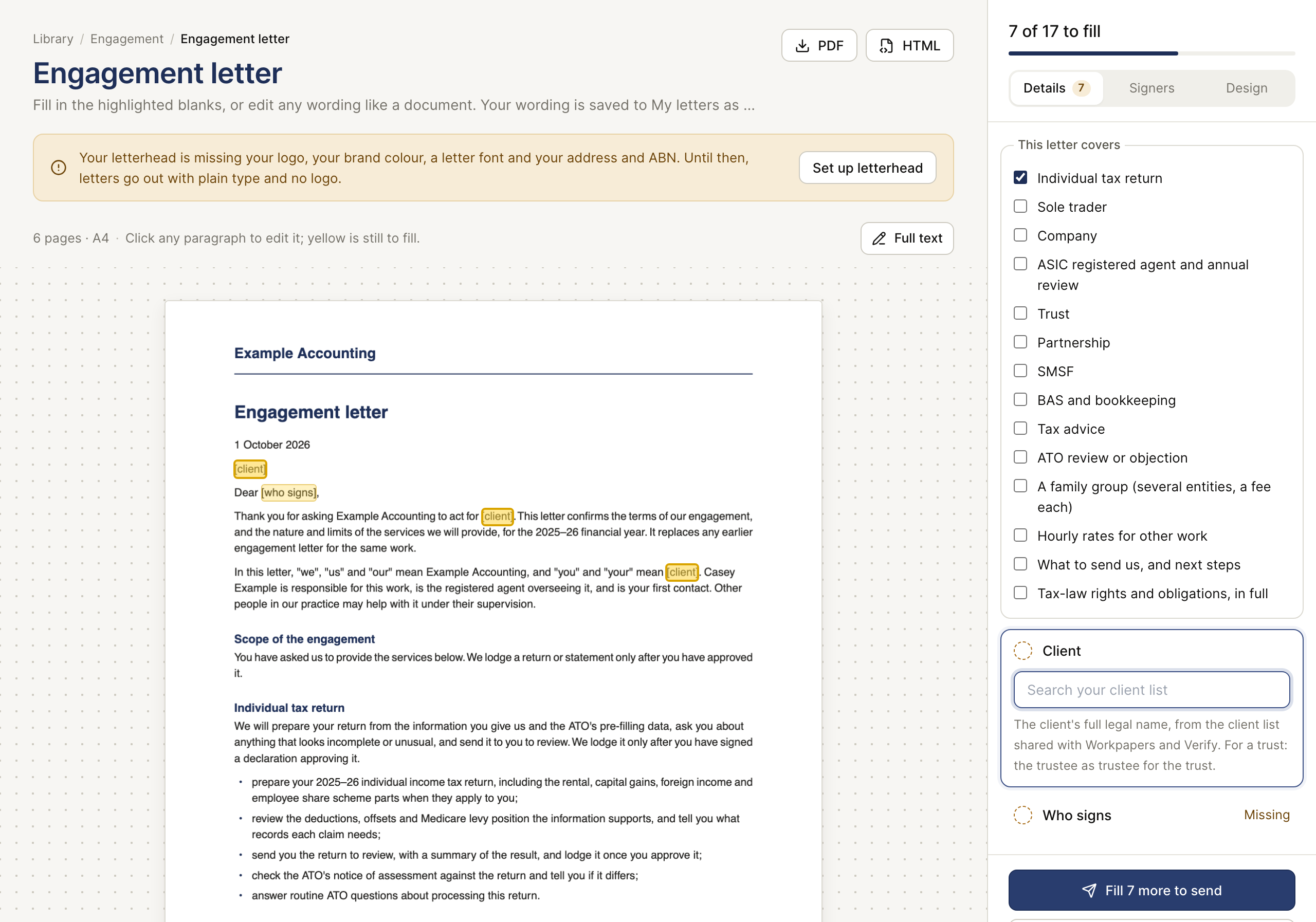
Choose the letter from the library and fill the highlighted blanks. Confirm the client, entity, financial year or engagement period, services and fees. Read the whole rendered PDF, including the acceptance wording. Check who signs for each entity and any extra signers or signing order.
If you already have an approved PDF, use Upload your own PDF from Sent and check the signature placements instead of recreating the letter.
2. Send a test to yourself
Use Send a test to me in the letter flow. The test is addressed to your own signed-in account and marked as a test. Open its link to inspect the actual recipient experience. Confirm the document, places to sign and final copy. A test does not complete the client's engagement.
3. Send the client request
Return to the letter, check the recipient addresses and use Send for signature (or the multiple-signer button). Read the result: a created request and a successfully sent email are separate outcomes. If email failed, use the link provided for the request and resolve delivery without creating accidental extra requests.
4. Track and retain it
Open Sent, select the document and inspect every signer's status and event history. Once the document is complete, download Signed PDF, including its certificate. Retain it with the client record and confirm the signed version matches the scope you intended.
When it does not finish
- Expired or lost link: use New link for the open signer and send the new link.
- Wrong document or signer: void the remaining open request and prepare the correct one. Voiding does not erase a completed signature.
- Multiple signers: Waiting can mean their turn has not started. Check the order.
- Declined: speak to the client before issuing another request.
Completion check
| Stage | Confirm |
|---|---|
| Prepared | Read all PDF pages and confirm client, scope, fees, signer fields and order |
| Test inspected | Your test link shows the intended recipient experience; it remains a test |
| Request created | The intended request is in Sent, with the correct people |
| Delivered | Read the email result, or deliberately deliver the provided link if needed |
| Signed | Every required signer has completed their step; Waiting and Viewed are incomplete |
| Retained | Download Signed PDF with its certificate and check the signed version |
Next: Sign status and evidence.